Technology & AI
How to change and customize your app icons on Samsung Galaxy
Source: Engadget - Technology News & Expert Reviews · Published
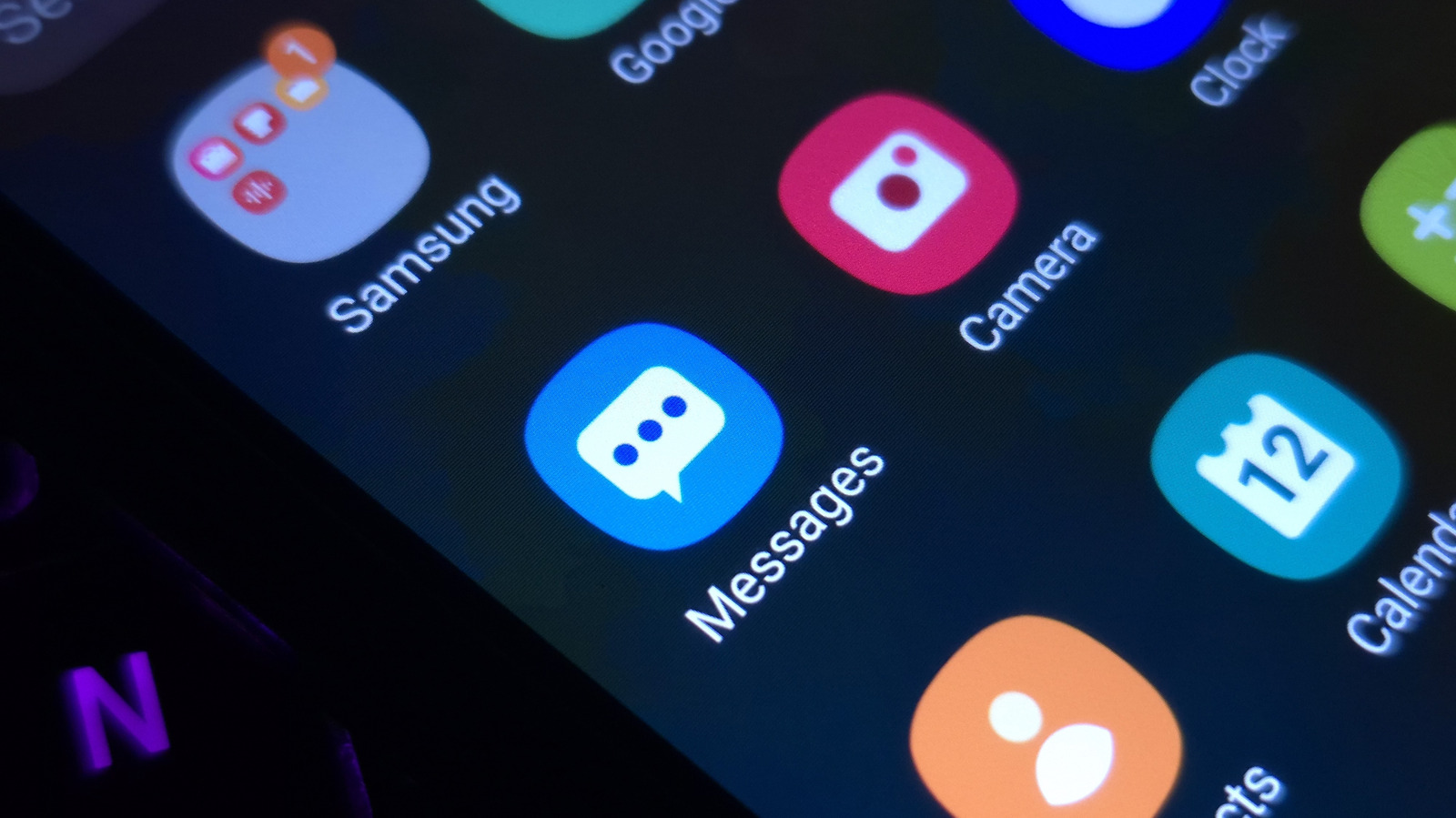
From choosing new app icons to changing the color palette, there are plenty of ways to customize the look of your Samsung Galaxy phone.
From choosing new app icons to changing the color palette, there are plenty of ways to customize the look of your Samsung Galaxy phone.
Related stories
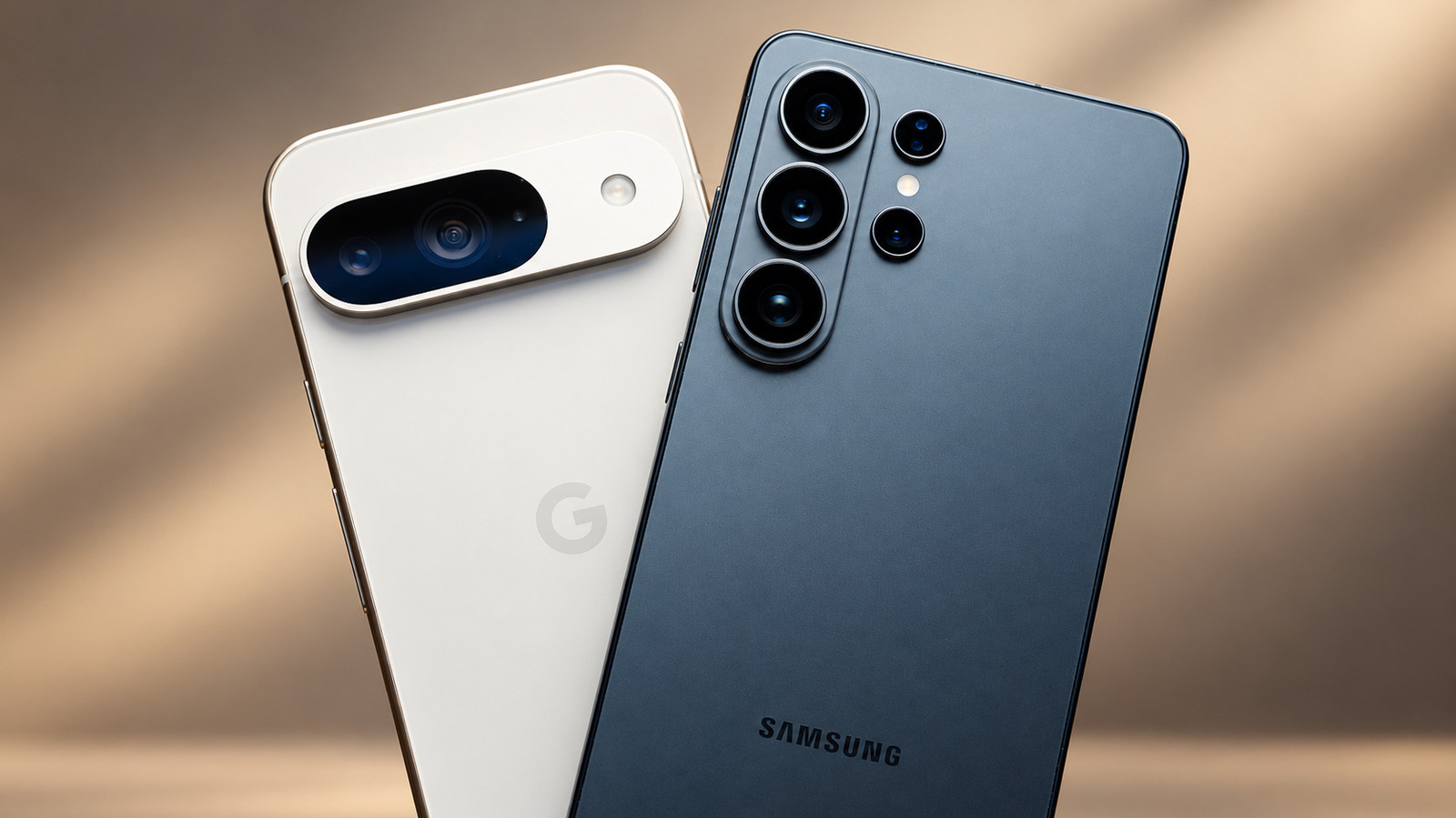
Should you make the switch to Samsung Galaxy from Google Pixel?
Thinking about trading your Google Pixel for a Samsung Galaxy? Some of the biggest differences might not be the ones you expect.
Engadget - Technology News & Expert Reviews ·
How to clear the cache on your Samsung TV
Your TV's cache is a collection of temporary files, some of which you don't need anymore. Here's why you might want to clear those out – and how.
Engadget - Technology News & Expert Reviews ·
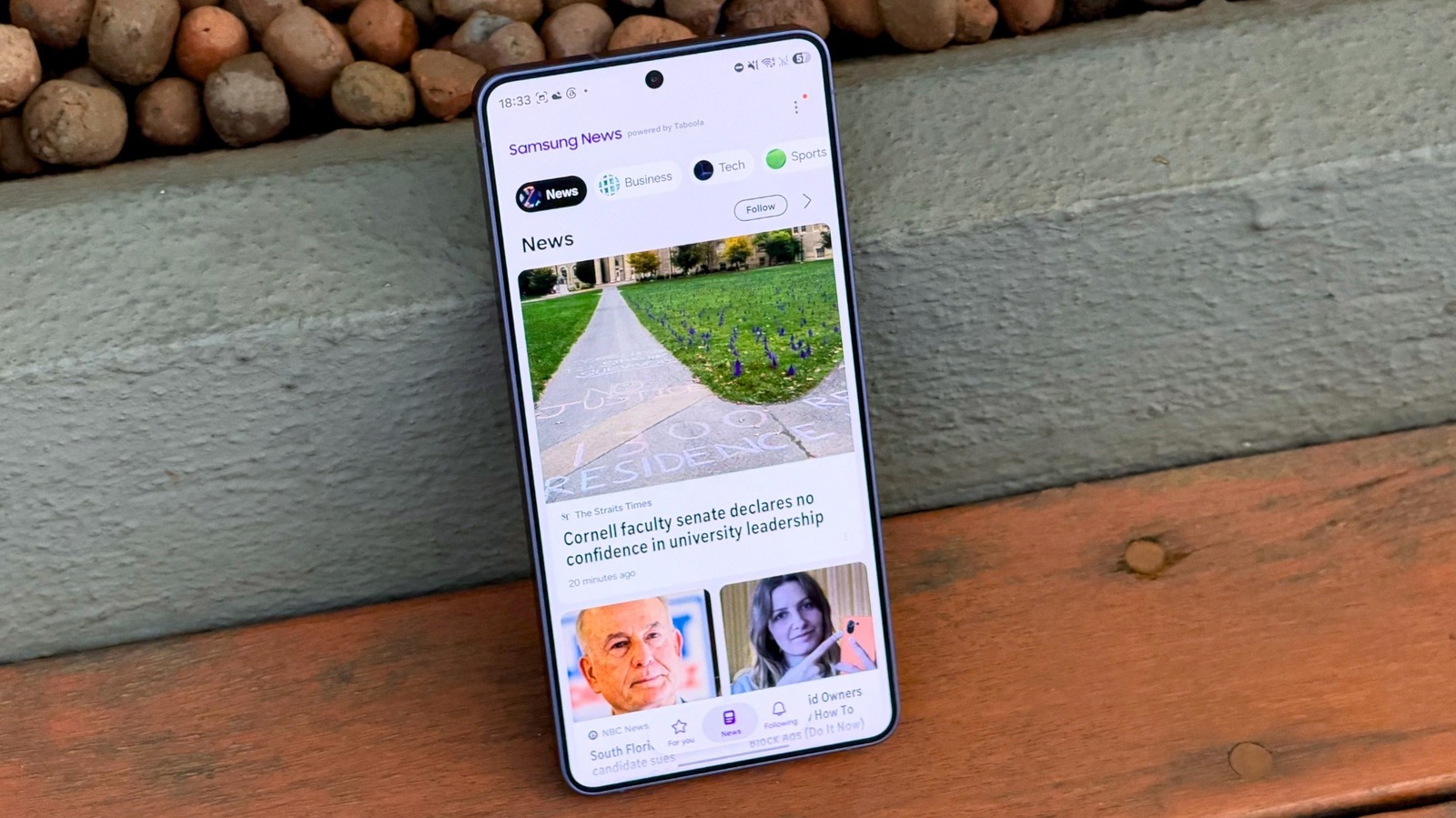
Samsung may be getting rid of another One UI feature
Samsung has discontinued Samsung Messages in favor of Google Messages in the US, and it looks like another One UI feature may suffer the same fate.
Engadget - Technology News & Expert Reviews ·
One UI 9 is the final major update for these older Samsung Galaxy phones
Some of Samsung's older Galaxy phones are reaching the end of their primary Android OS upgrades, with One UI 9 as the last update planned.
Engadget - Technology News & Expert Reviews ·

20% Off Samsung Promo Code | November 2026
Save 30% or 10% with Samsung coupon codes, up to $1,000 on appliances, plus limited-time deals on the Galaxy Z Fold7, Flip7, and S25.
WIRED ·